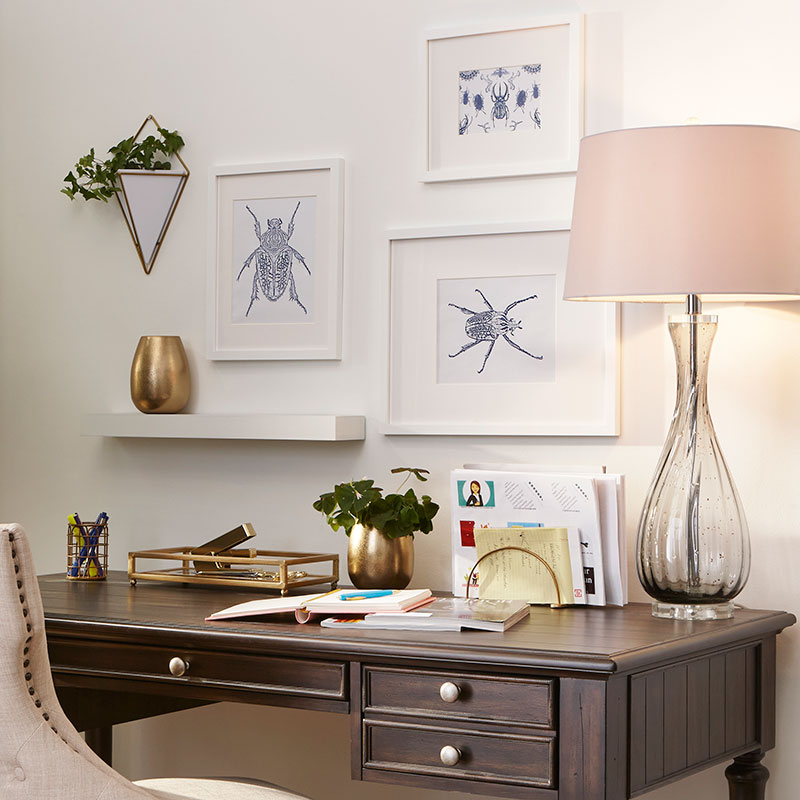
'/%3E%3C/svg%3E)
Home Office Design for Productivity and Comfort
Popping open your laptop on the kitchen counter or logging in from your couch might work well for the occasional task, but if you're among the millions of people whose morning commute no longer goes farther than the front door, you may need a setup that's more intentional.
A home office design that's efficient and ergonomic — and keeps distractions like a sink full of dishes out of sight — can help you feel more productive and comfortable throughout your workday. Fortunately, this can be easy to achieve with a few thoughtful updates to your space.
Here are several interior design strategies that can help enhance your concentration and output while working from home.
Make Space for Work
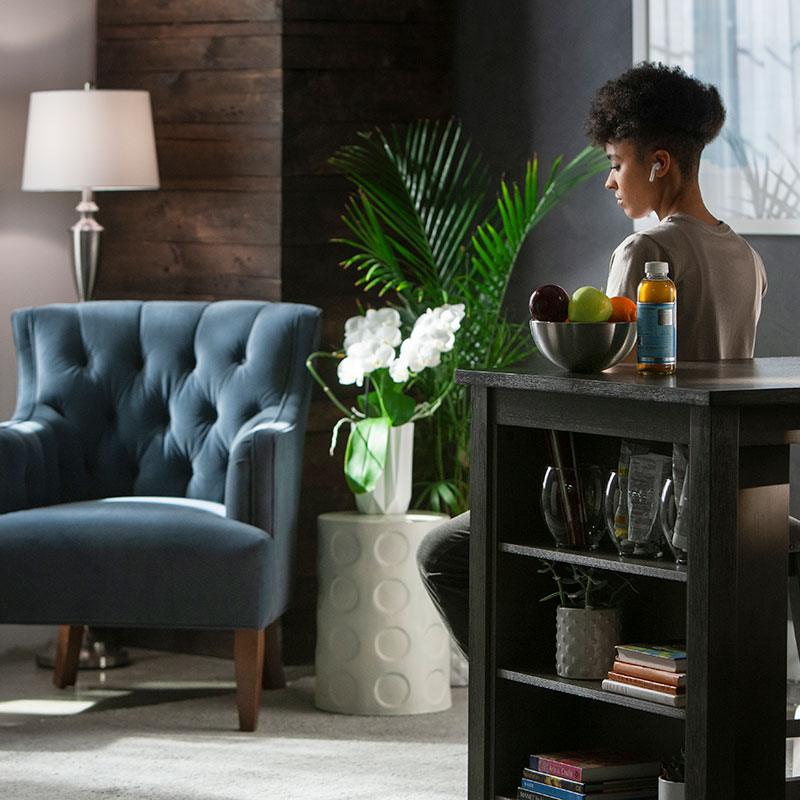
Creating a good work/life balance is key to maintaining productivity, so it's best to avoid working in your living spaces. You can do this by carving out a dedicated workspace in your home. Ideally, you could convert a spare or underutilized bedroom into a home office (a door can be the ultimate tool for keeping your office kid- and pet-free during business hours).
If you don't have a whole room to use as a home office, find a quiet corner of your home that's away from high-traffic areas. For instance, a dining room or reading nook can provide enough space for your workstation. Even a closet can have untapped potential as a workspace.
Next, position your desk in a spot that's bathed in lots of natural light. Even better, set up your office in a place where you'll have a nice view when you occasionally look up from work. As an added bonus, positioning your computer in front of a window can ensure you are well-lit during video calls.
Gear Up for Greatness
The goal for your home office design isn't to replicate everything you'd find in a corporate office, but there are certain essentials you'll need. Here are the elements that can help you create a more refined home office design:
- A desk with ample surface for your computer and documents
- Reliable internet access
- Filing cabinets or shelves
- A comfortable work chair
- A printer/scanner/fax machine
- Good lighting
- Places to plug things in, such as power strips for electronics and USB ports for mobile devices (desk lamps with built-in charging ports are especially handy)
- Storage for your ample stock of pens, paper, printer ink and other supplies
Design Beyond the Desk
Home office productivity isn't just about tracking work hours and keeping distractions at bay. Your workspace also needs to be maximized for efficiency.
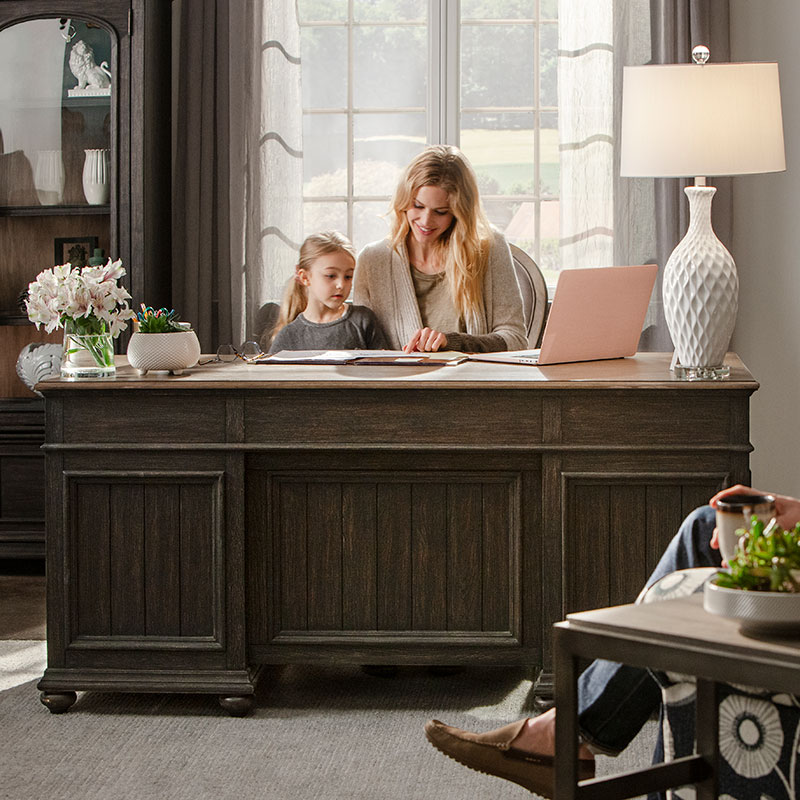
Position your storage solutions so that office supplies, reference materials and other essentials are within easy reach. Floating shelves can be used for everything from knickknacks to office equipment, while vertical file folders keep documents organized. Cube storage is endlessly adaptable, with open shelves good for larger items and fabric baskets for storing smaller gear.
In addition to an unstable internet connection, clutter is an enemy of home office productivity. To keep your desk clean and organized, take a hard look at what's really essential for day-to-day work, and toss (or store) the rest. Invest in a good wastebasket and a separate bin for recycling. Fabric cord covers can help tame the inevitable tangle of electronics wires, and look for a desk equipped with grommets that you can use to keep wires out of sight.
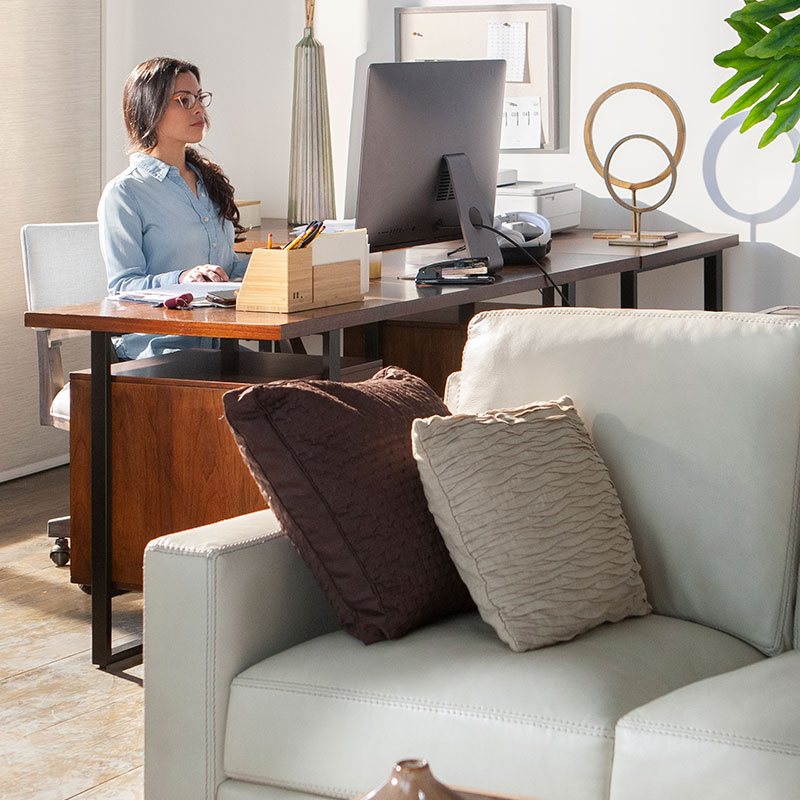
Emphasize Ergonomics
Long hours spent working from your bed or couch is a recipe for neck and back pain. A dedicated workspace needs good ergonomics, so choose furnishings that ensure proper posture for comfort and productivity. Look for a work chair with adjustable height and tilt, support for your lumbar spine and the ability to roll and swivel easily.
Many office desks now include work surfaces that can be raised and lowered. Adjust your desk chair and keyboard shelf so your forearms are parallel to the floor when typing. And make sure your chair height allows your feet to be planted firmly on the floor and your knees to remain level with your hips.
Then, position your computer monitor or laptop so the top of the screen is at or just slightly below your eye level. To prevent eye strain, make sure there's no glare from overhead lights on your screen, and add a desk lamp for up-close tasks.
Don't Skimp on the Decor
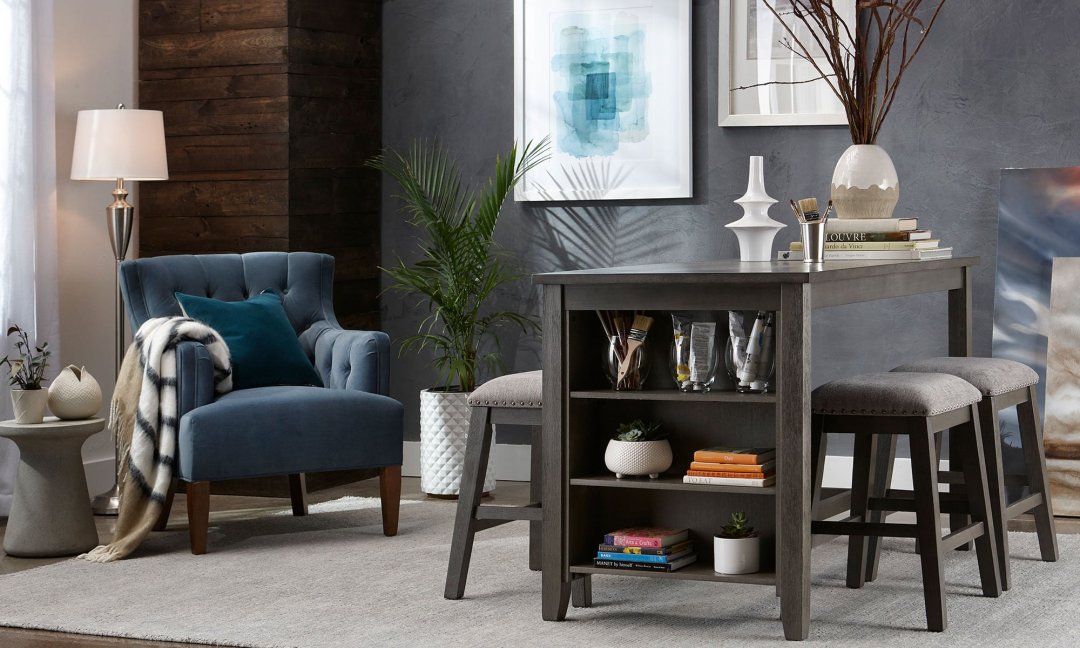
A great way to liven up your at-home workspace is by adding personal touches like family photos, favored artwork, travel mementos, inspirational quotes and plants. Anything that brings you joy can make your home office hours happier and more productive.
Give some thought to your color scheme, too. Research suggests that blue is best for work that requires high focus and mental effort, while yellow tones enhance positivity, creativity and happiness.
"WFH" is likely to be the new normal rather than a temporary phase. So design your home office for the long haul by integrating it fully into the decor of the rest of your home. This is an opportunity to customize your space so it works well for you and your needs —today and tomorrow.